
It is possible to easily change the order that tables use in the main drop-down menu in the main page.
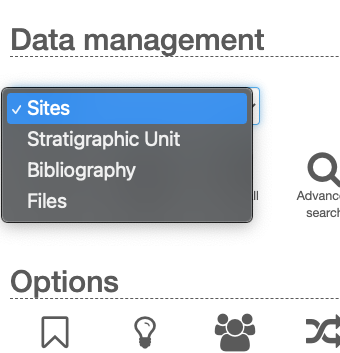 Tables listed in main menu
To change the order just drag the move icon of the table in the system configuration (left panel) and drop it in the desired position. On each drop the new order will be saved.
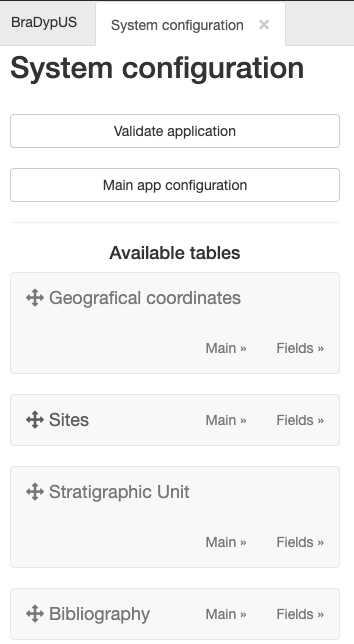 Drag and drop to change order